I bought a new USB PCIe expansion card. The old one was a VIA card, a VL805+VL812 combo, with 7 USB 3.0 ports. My main grievance with it was that it didn’t survive VM resets. It just broke, and the only way to get it back was a full power cycle of the machine. I didn’t find much about it online, but other people had the same complaint. The new card is built on the ASM3142 chipset, which is a lot more battle-tested, and so far it just doesn’t do that.
The old card
The chipset was VIA VL805+VL812: one xHCI controller feeding a hub chip to turn a single USB 3.0 port into seven. That’s the same recipe used in most cheap 7-port cards sold under half a dozen brands, SIIG’s JU-P70211-S1 among them.
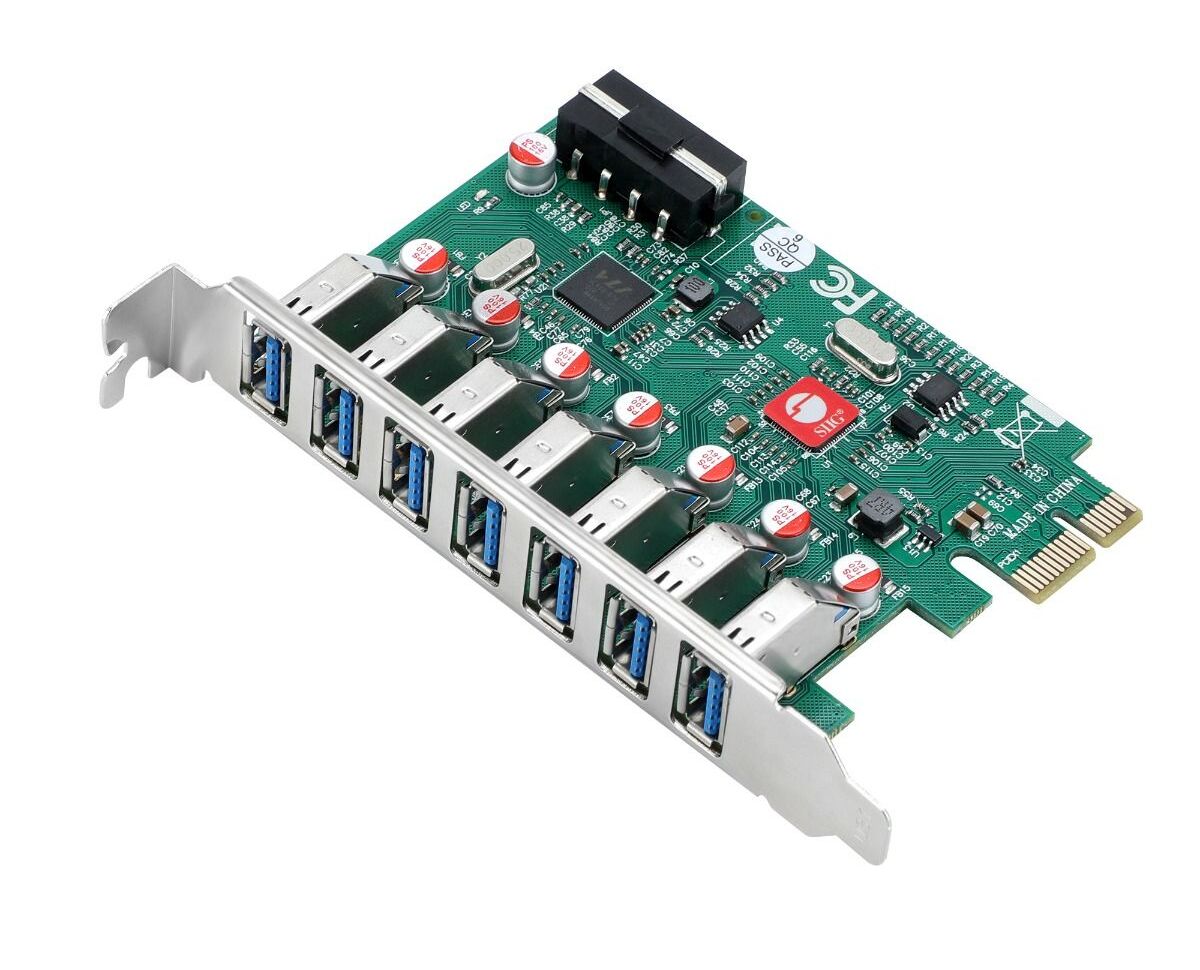
Not my exact card, but the same VIA VL805+VL812 chipset and the same 7-port layout. Stock photo from a SIIG listing.
I wasn’t the only one hitting the reset bug. This writeup on a VL805 card under Linux has the same complaint, and there’s a decade of VIA USB 3.0 bug reports sitting in the kernel bugzilla.
It also got weird with more hubs chained on. Devices would drop out, then take a couple seconds to renegotiate bandwidth across everything on that bus. Annoying on a desk, worse in a VM.
The ASM3142
ASMedia and MSI shipped the first ASM3142 boards back in 2017.
- Chipset: ASMedia ASM3142
- Ports: 2× USB-C, 10 Gbps (USB 3.1 Gen 2) each
- Host interface: PCIe 3.0, up to x2 lanes
- On Linux: shows up under ASMedia’s vendor ID
1b21, device2142, the same ID the ASM3142 shares with the earlier ASM2142 since it’s the same silicon
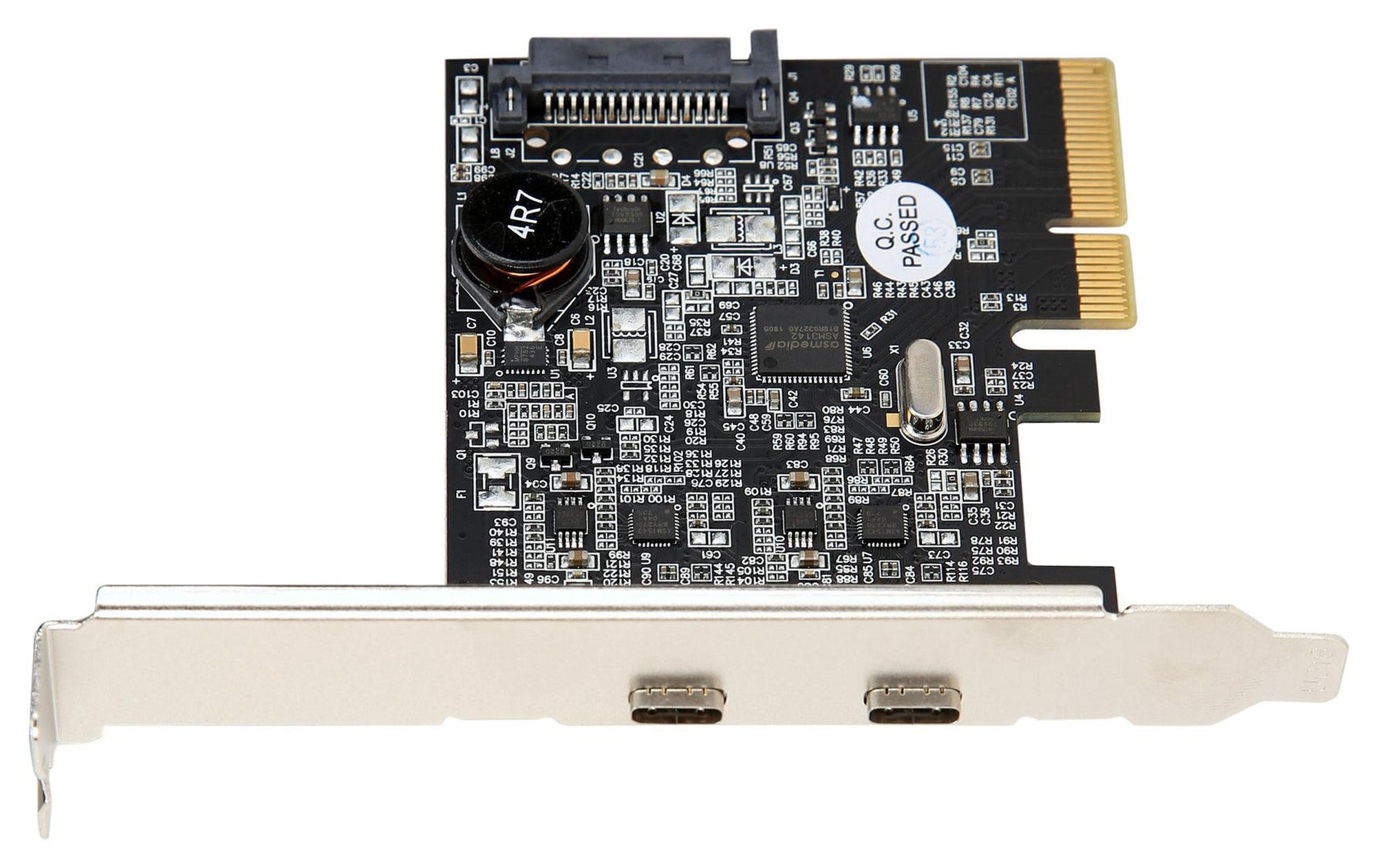
Not my exact card either, but the same ASM3142 chip. You can read it straight off the die marking in this StarTech PEXUSB312C2 photo.
It has two USB-C ports, 10 Gbps each. The controller can use up to two PCIe 3.0 lanes, but the slot I had free only gave it one, so I’m only getting about 90% of the bandwidth. I’m not sure how it behaves with sharing ports, whether it’d be any faster running just one of the two.
Fitting it in the case
The card didn’t fit as sold. The heatsink has these plastic push-pins that strap through from the back, and with it on, the card was thick enough to hit the fan on the GPU next to it. I swapped the stock heatsink for my own with thermal paste, which got it thin enough to clear.
Linux, Windows, and VFIO
I’m using vfio-pci for passthrough, handing the whole controller to the VM instead of passing individual devices through in software. It’s worked fine on a Linux host with every guest I’ve thrown at it, Linux and Windows both. No dropped devices, no renegotiation wait, nothing. I haven’t tried it on another hypervisor like FreeBSD’s bhyve, so I can’t say if that’s the card or just vfio-pci being good to it.
Power delivery
My KVM came with USB-A to USB-A 3.0 cables, but a generic USB-A to USB-C cable works great. Power delivery on these USB-C ports is crazy nowadays, way more than I’d expect from a card that’s nominally just for data.
Why bother with a card at all
It’s not because I ran out of slots on the motherboard. For a good USB experience in a VM, a dedicated controller is the best you can get. Software USB passthrough can work, but it breaks with devices that reconnect: flashing a chip, doing an update, an Android phone switching modes for ADB. Each reconnect is a new device from the host’s point of view, and the VM has to be handed it all over again. A card sidesteps that. Clean separation from the host is nice too.
Verdict
8/10. It fixed the one thing that mattered, no more reset bug, and it hasn’t dropped a device since. The only real knock is personal: I’m not the biggest fan of USB-C as a port. It’s small and finicky, and hard to plug in by feel on the back of a tower where you can’t see what you’re doing.